
Simple box (flat)
Minimalist folding box with a clean, rectangular shape and tuck top lid. It’s ideal for testing how the platform works and for personal projects. Best suited for low shaped boxes. For taller packaging, use the Simple Tall Box or Snap Lock Bottom templates. Works with Cricut, Silhouette, or can be cut by hand.
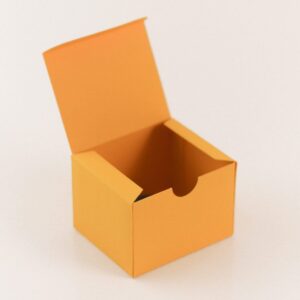
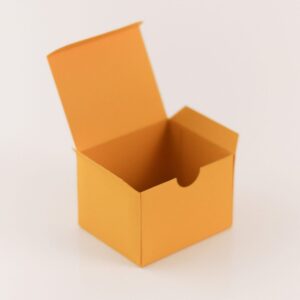
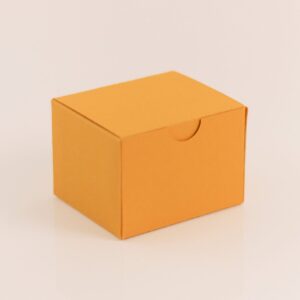

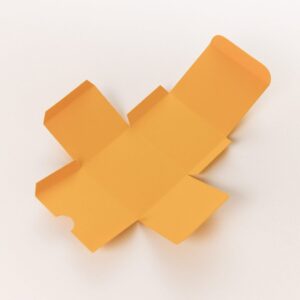

Desktop: Enter the box dimensions in the input fields on the left, then press Enter or click outside the field to apply.
Mobile: Open the “Size” menu in the bottom panel and tap the input field to enter your box dimensions. The preview updates automatically.
– Box size and paper size are not the same thing. All box sides must fit flat on the sheet.
– A box is always much smaller than the paper.
– The largest paper supported by home printers and cutting machines is 12×24″ (30.5×61 cm).
– Try the quick presets above to see common box sizes.
– For larger boxes, use the available 2‑panel layouts.
Solid lines are for use with scoring tools (like the Cricut stylus or wheel, or Silhouette’s kiss cut score). Dashed lines are intended to be cut with a regular blade.
Templates work with Cricut, Silhouette, Brother, Glowforge, and most other cutting and laser machines that support SVG or DXF files.
Yes. You can print the PDF and cut by hand using scissors or a craft knife. Check the shape first to make sure it’s suitable for hand cutting.
Most templates work well with cardstock in the 90–100 lb (250–300 gsm) range. It’s thick enough to hold shape but still easy to cut and fold.