
Custom size Template Maker for Boxes, Envelopes, and More
Create packaging for products, gifts and favors with your dimensions using this template generator. Perfect for crafters, small businesses, and DIY enthusiasts.
Works with your favorite cutting machine


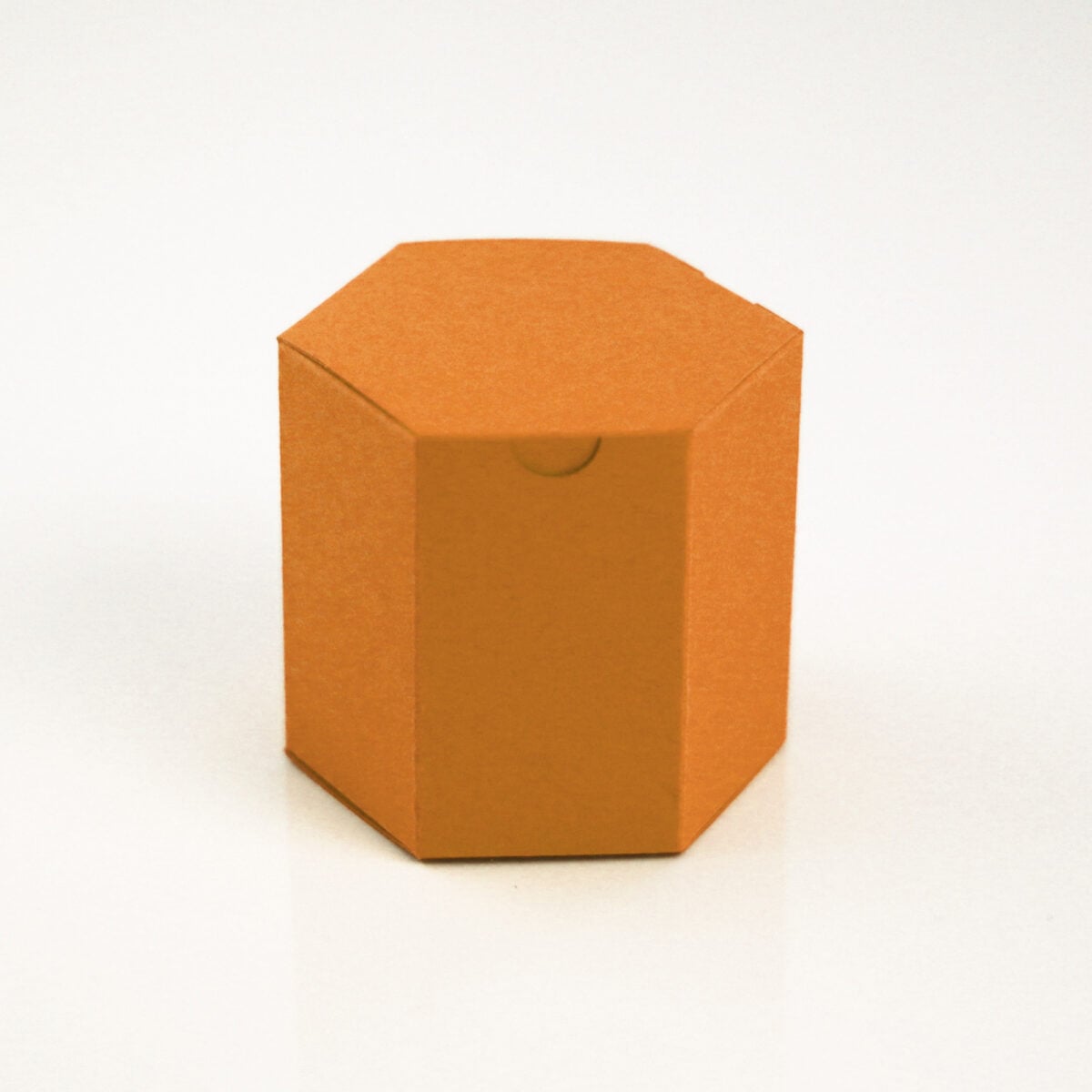
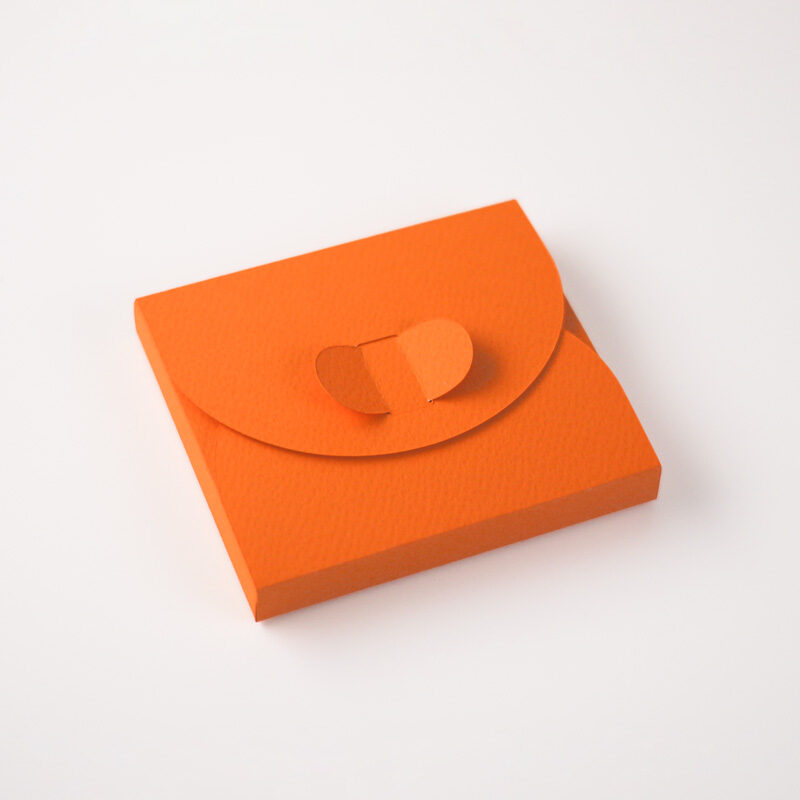
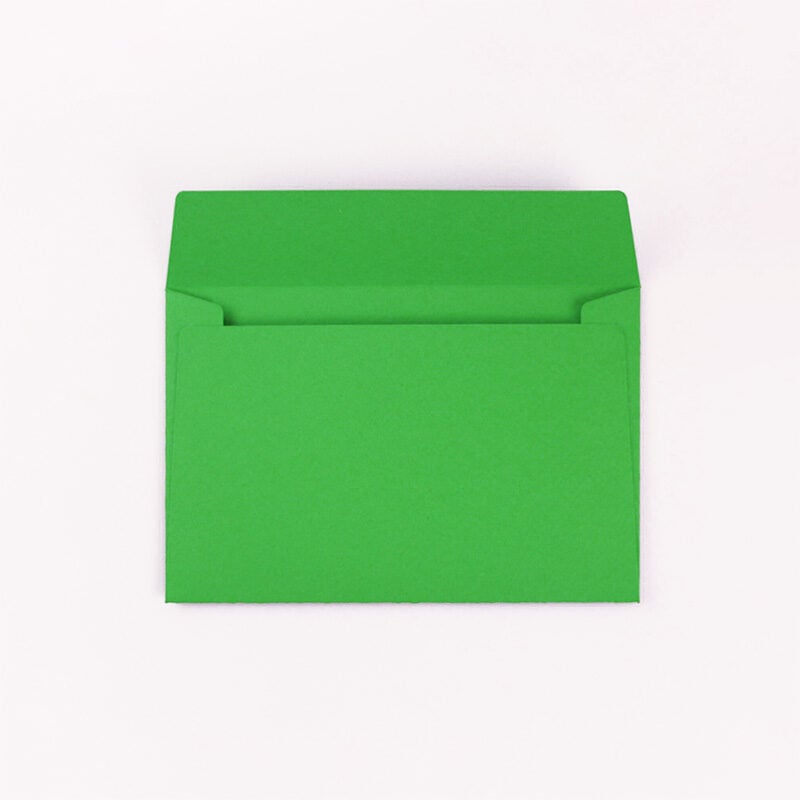
From gift boxes to envelopes, create packaging that fits your project.
1
Choose a design

2
Enter dimensions

3
Download

Quick Picks
Choose from free and premium templates, set your dimensions, and download in just a few clicks.
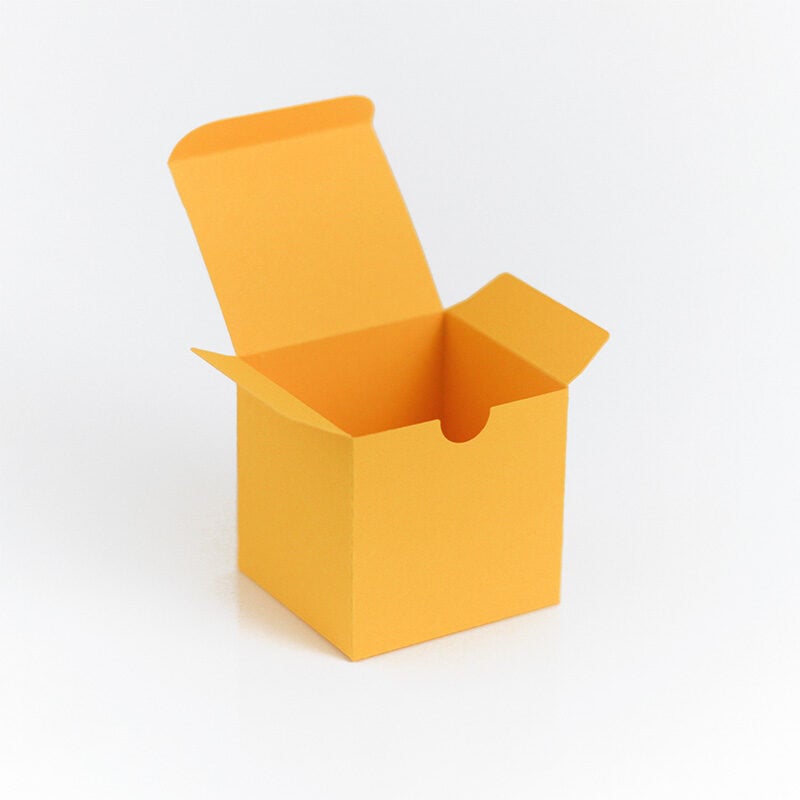
Simple box (flat)
Minimalist folding box with a clean, rectangular shape and tuck-top lid.
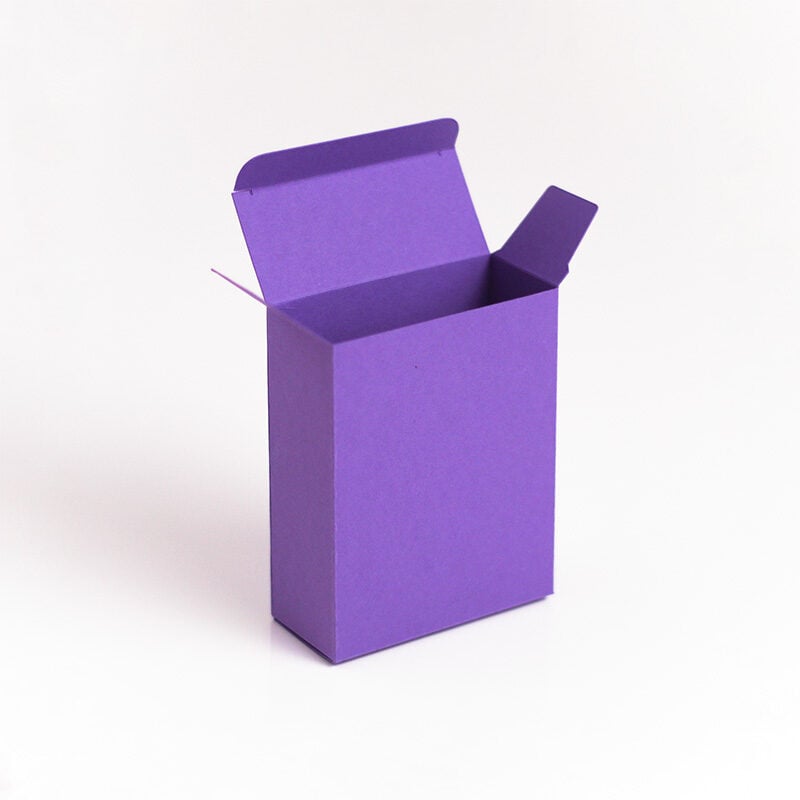
Shallow box (no glue)
Shallow folding box with locking side flaps and no glue required.
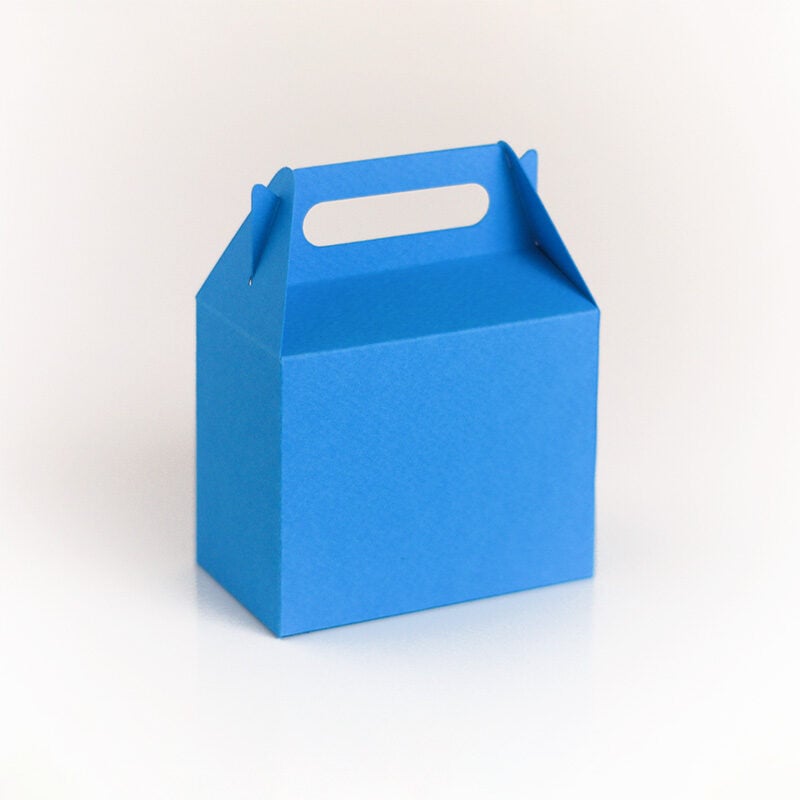
Modern gift bag
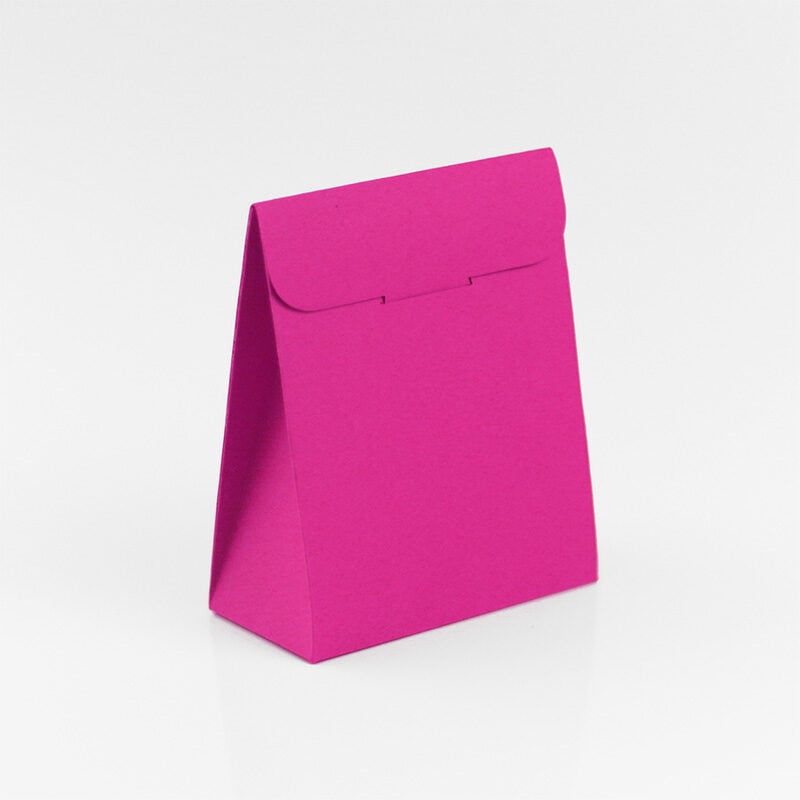
Modern gift bag with cutout handles, curved flap, and snap lock bottom.
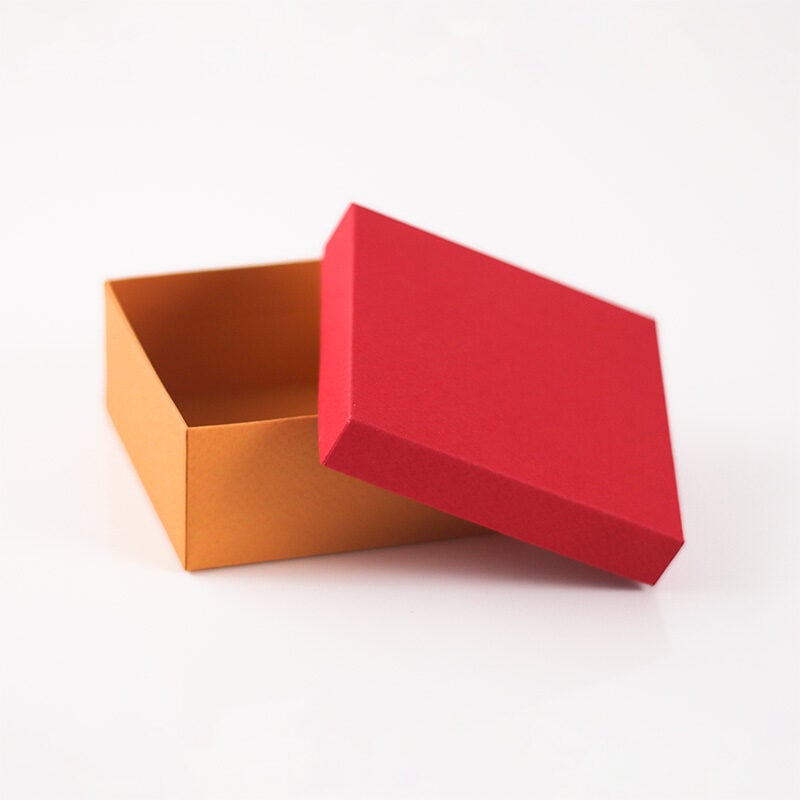
Drawer Box
Drawer-style box with an internal sliding insert and outer sleeve construction.
Design the look
Generate a custom-size template, then use Designer to turn it into finished packaging artwork.
Add your content
Place text, images, and shapes directly on your template.
Customize the look
Adjust colors and backgrounds to match your design.
Preview in 3D
See how your design looks in 3D while you’re editing.
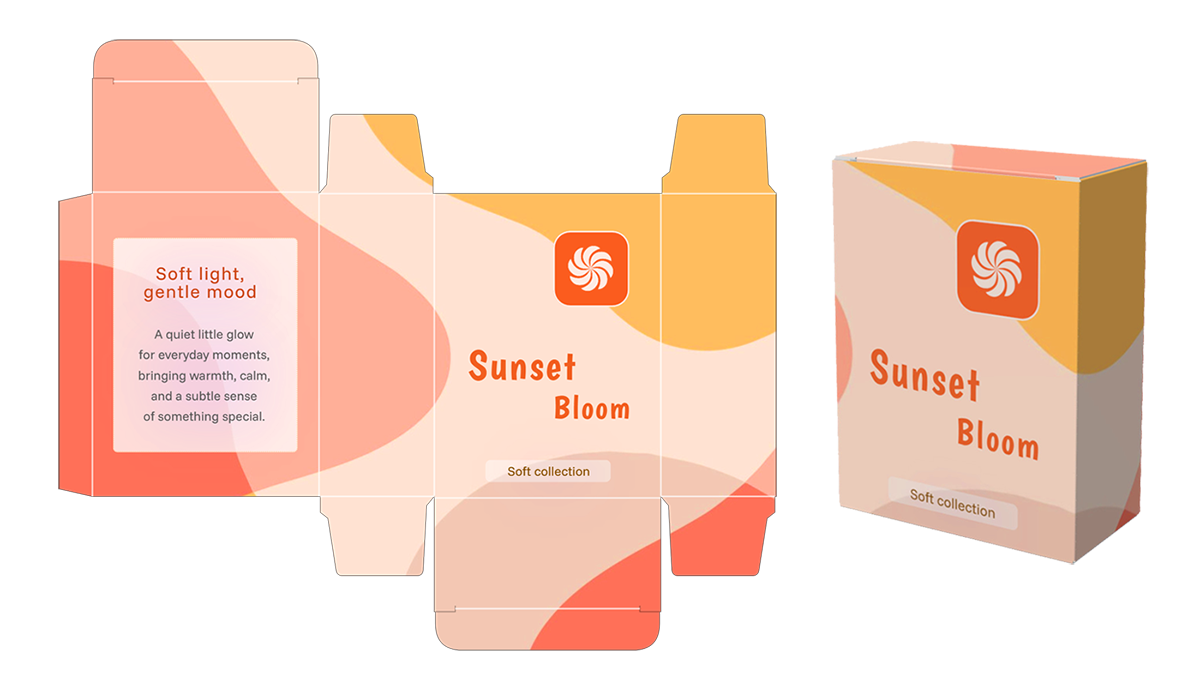
Ready to make your own custom box? Create and download your first template for free.
Why Box Template Studio?
What makes it different from marketplaces and static templates
Marketplaces (static templates)
Fixed Proportions Only
Locked to fixed proportions and can’t adapt. If it doesn’t fit your item, you’re out of luck.
Manual Editing is Hard
Trying to edit a static SVG is a frustrating, time-consuming design project.
Pay Per Template
Your collection grows one purchase at a time.
Box Template Studio
Fully Customizable Size
Enter your exact dimensions. The generator creates the perfect template for you.
Dynamic & Instant
Adjust dimensions, fold line styles, and paper size in seconds directly in your browser.
Unlimited Variations
Generate endless variations and sizes for one price.
Frequently Asked Questions
This website is an online tool that allows crafters and hobbyists to create custom-sized packaging templates. These templates are optimized for use with cutting machines like Cricut and Silhouette, as well as for hand-cutting.
Absolutely not! This tool is designed to be incredibly user-friendly. If you can enter dimensions and click a button, you have all the skills you need. We handle all the technical design work for you.
Yes! You can use the website on any computer, tablet, or phone. Everything runs in your browser — no apps, no installation, just open and start creating. For the best experience, use a desktop or laptop.
Yes! Templates are specifically designed for compatibility with popular cutting machines like Cricut, Silhouette, Brother ScanNCut, and more. Provided in SVG and DXF formats, both widely supported by these machines.
Yes, you can. A PDF option is available for every template, which is perfect for printing on your home printer. You can then use scissors or a craft knife to cut out the template by hand.
Yes — you can use the templates to package your products, sell assembled boxes, or create custom packaging for clients. Graphic designers can also use them to build mockups or printed designs. Just keep in mind: reselling the template files themselves is not allowed.