2-Panel Layouts

Make a larger box using smaller sheets of cardstock.

What is a 2-panel layout?

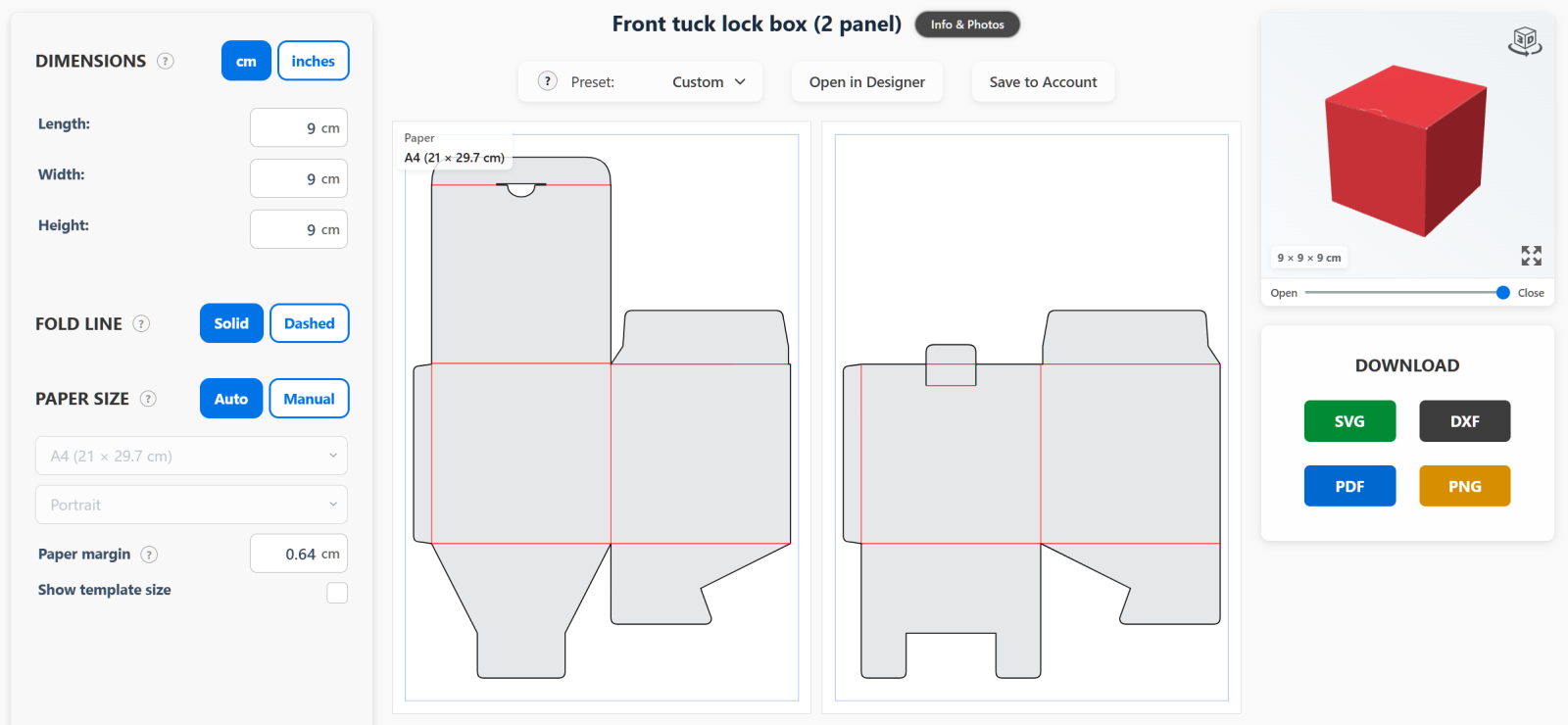
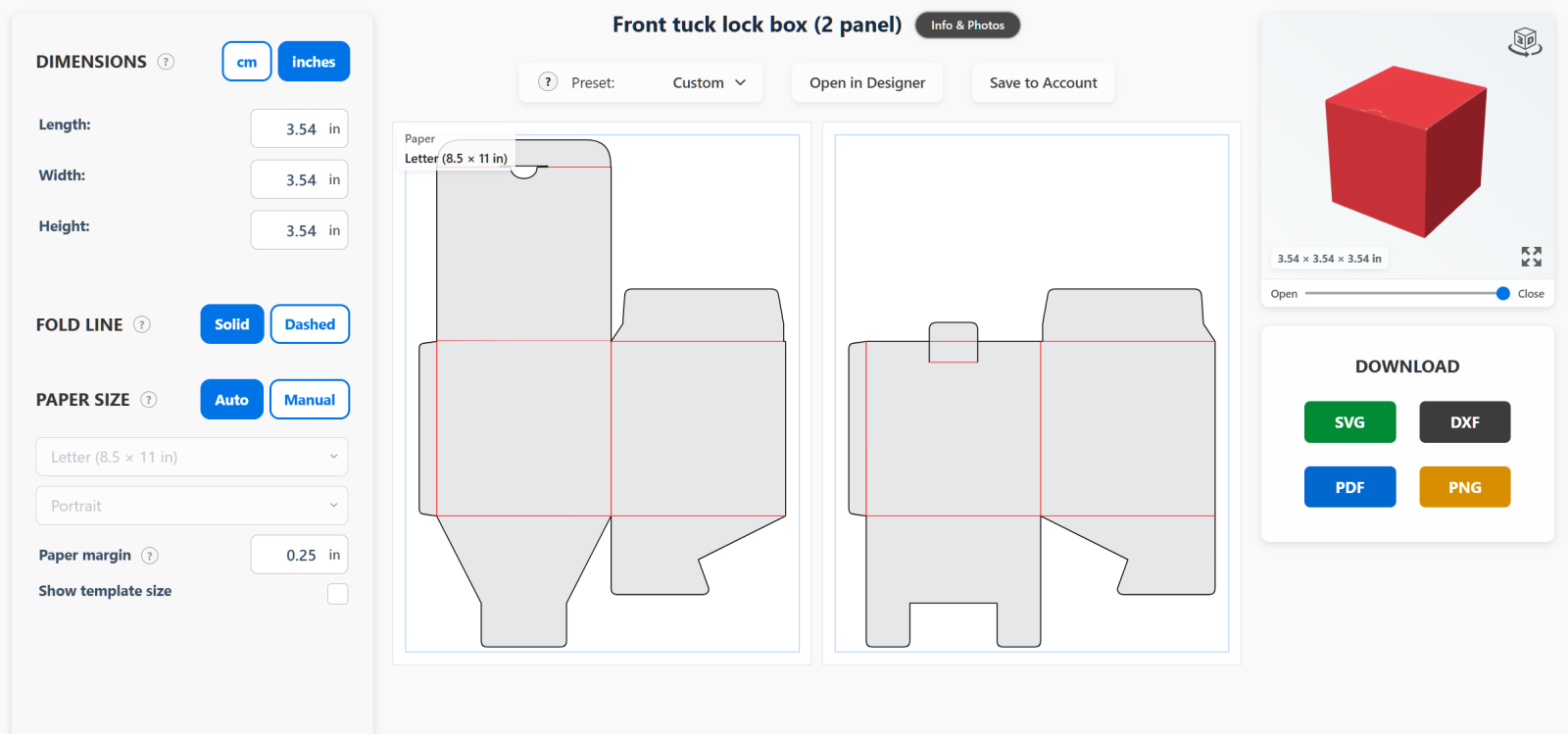
A 2-panel layout is a version of a regular box template split into two parts. Each panel is cut from its own sheet. The panels are then glued together to make one complete flat template.

This lets you make a larger box using smaller sheets of cardstock.

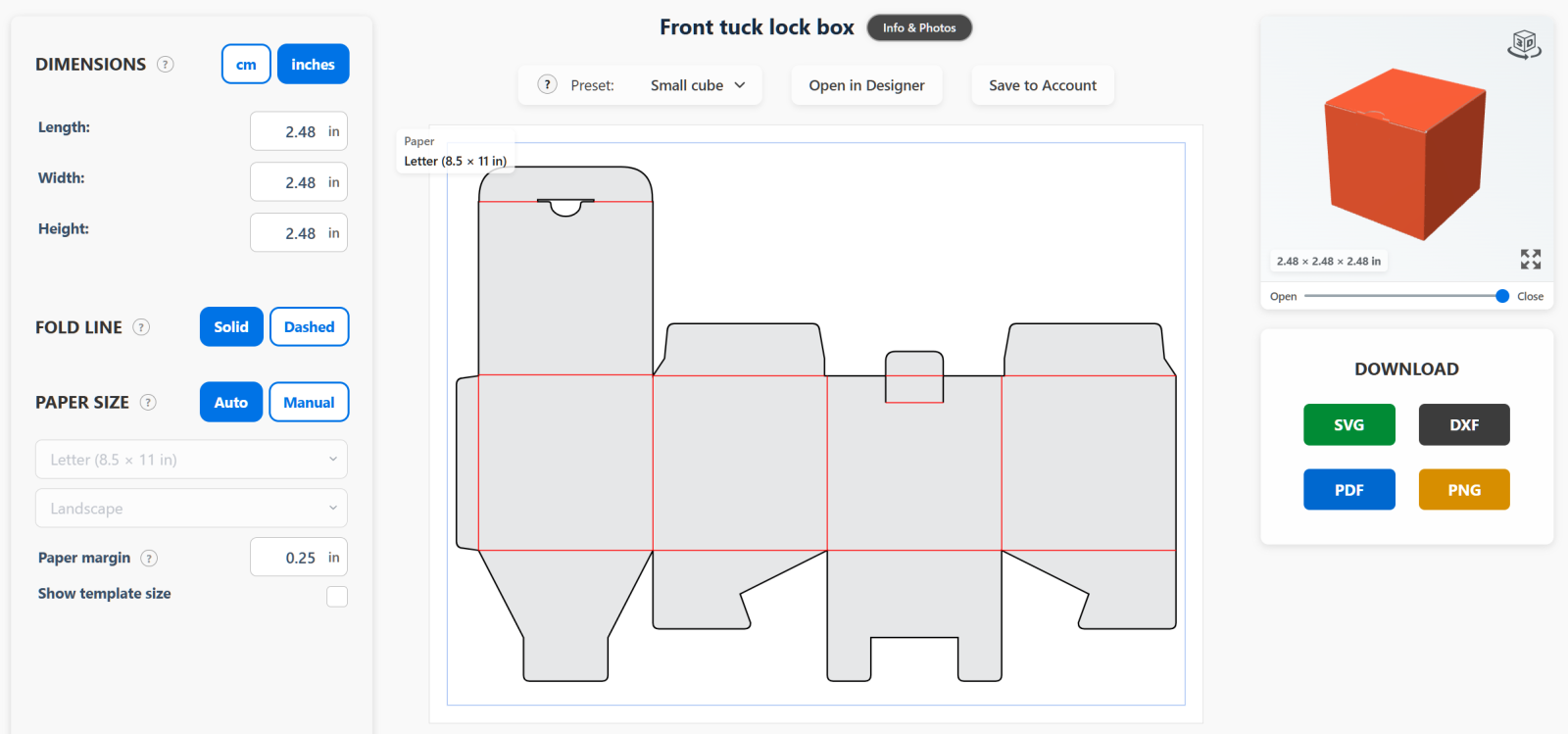
In the examples below, both templates use the same paper size, but the 2-panel layout makes a larger box.

cm
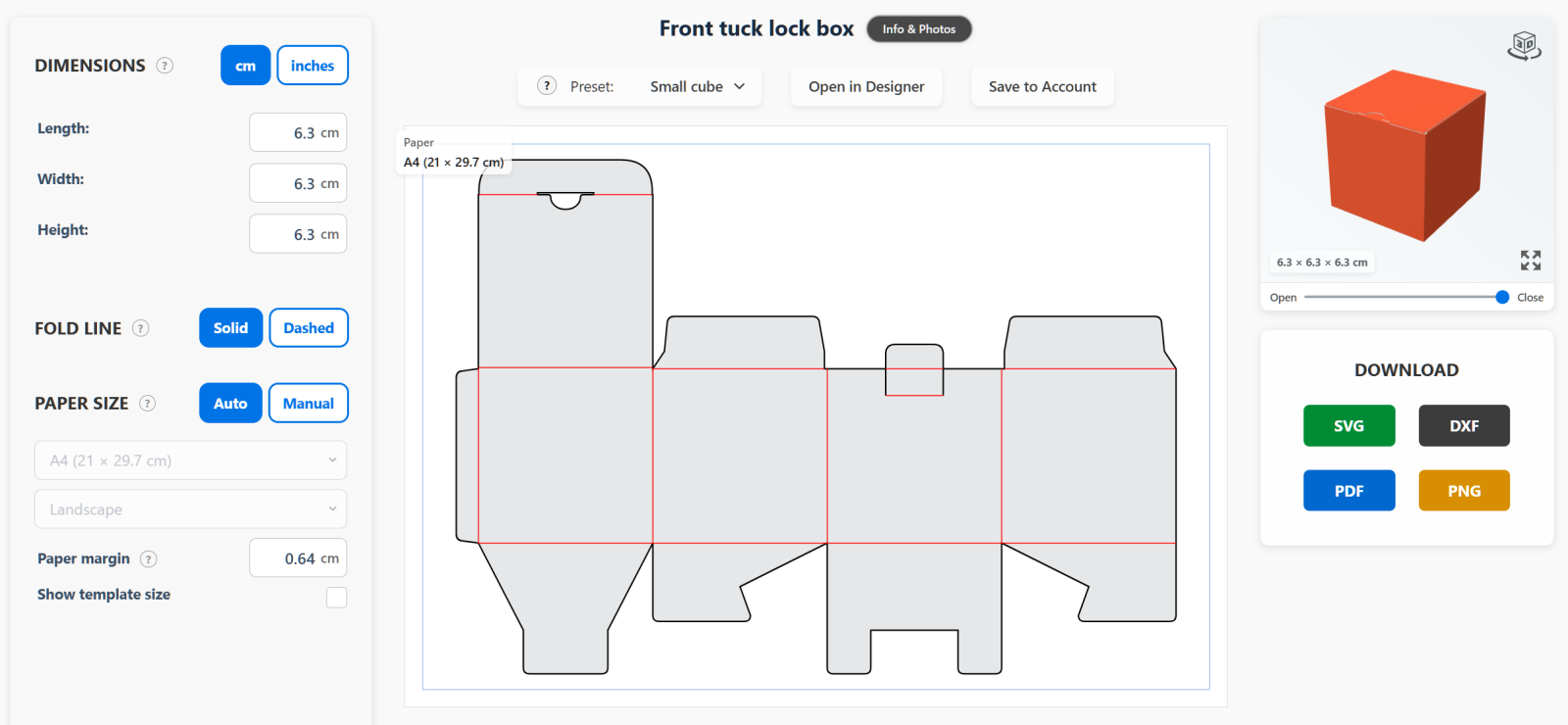
Single-panel cube box measuring 6.3 by 6.3 by 6.3 cm on one A4 sheet.
Single panel: 6.3 × 6.3 × 6.3 cm — one A4 sheet.
Two-panel cube box measuring 9 by 9 by 9 cm on two A4 sheets.
2 panels: 9 × 9 × 9 cm — two A4 sheets.

inches

Single-panel cube box measuring 2.48 by 2.48 by 2.48 inches on one Letter sheet.
Single panel: 2.48 × 2.48 × 2.48 in — one Letter sheet.
Two-panel cube box measuring 3.54 by 3.54 by 3.54 inches on two Letter sheets.
2 panels: 3.54 × 3.54 × 3.54 in — two Letter sheets.

How to find it?

Open the Templates library. Under Type, select 2-Panel layout to see the available templates.

Choose a template and open it. You will see two separate panels.
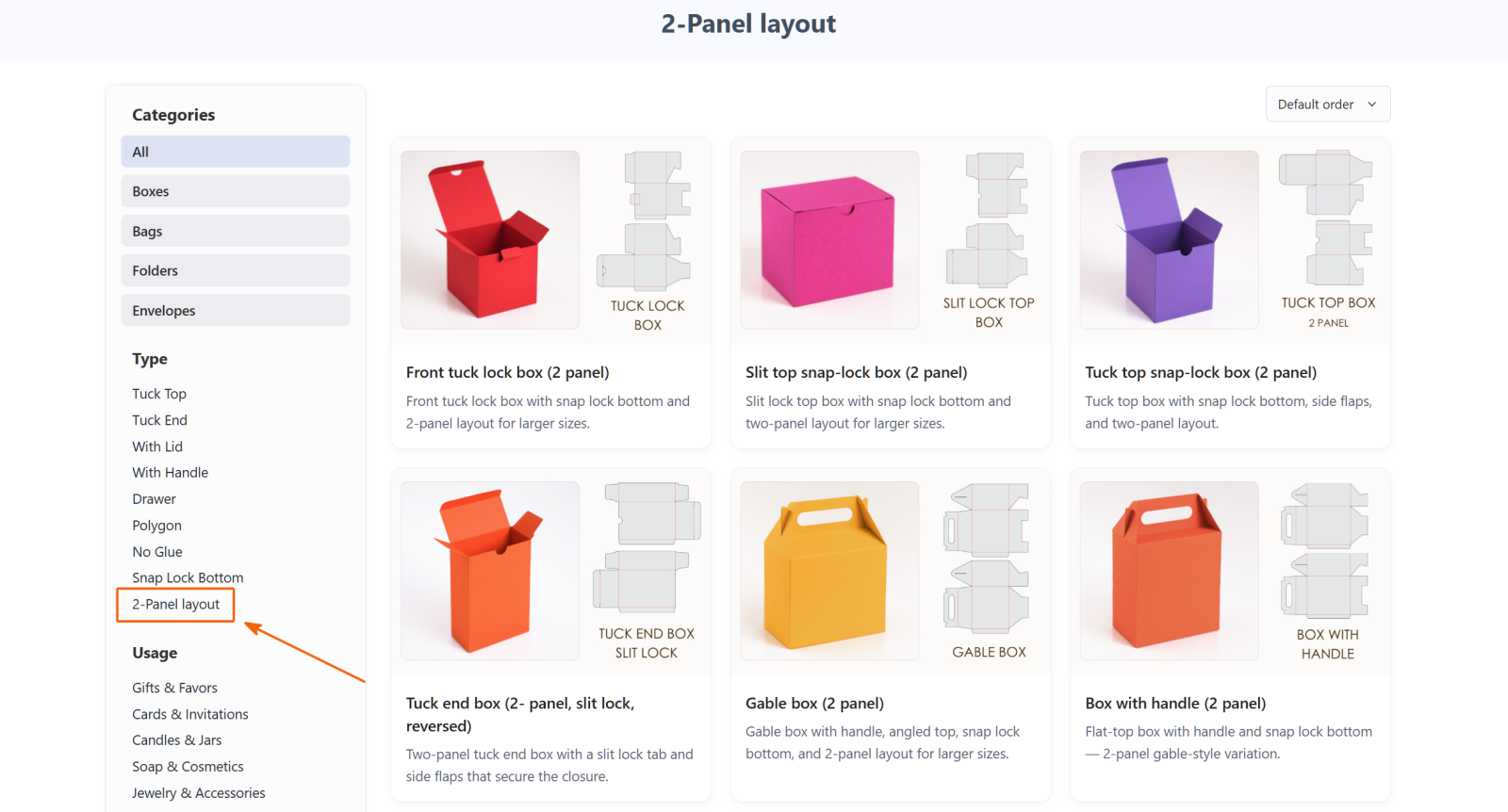
Templates library with the 2-Panel layout filter highlighted under Type.