2. Set your dimensions
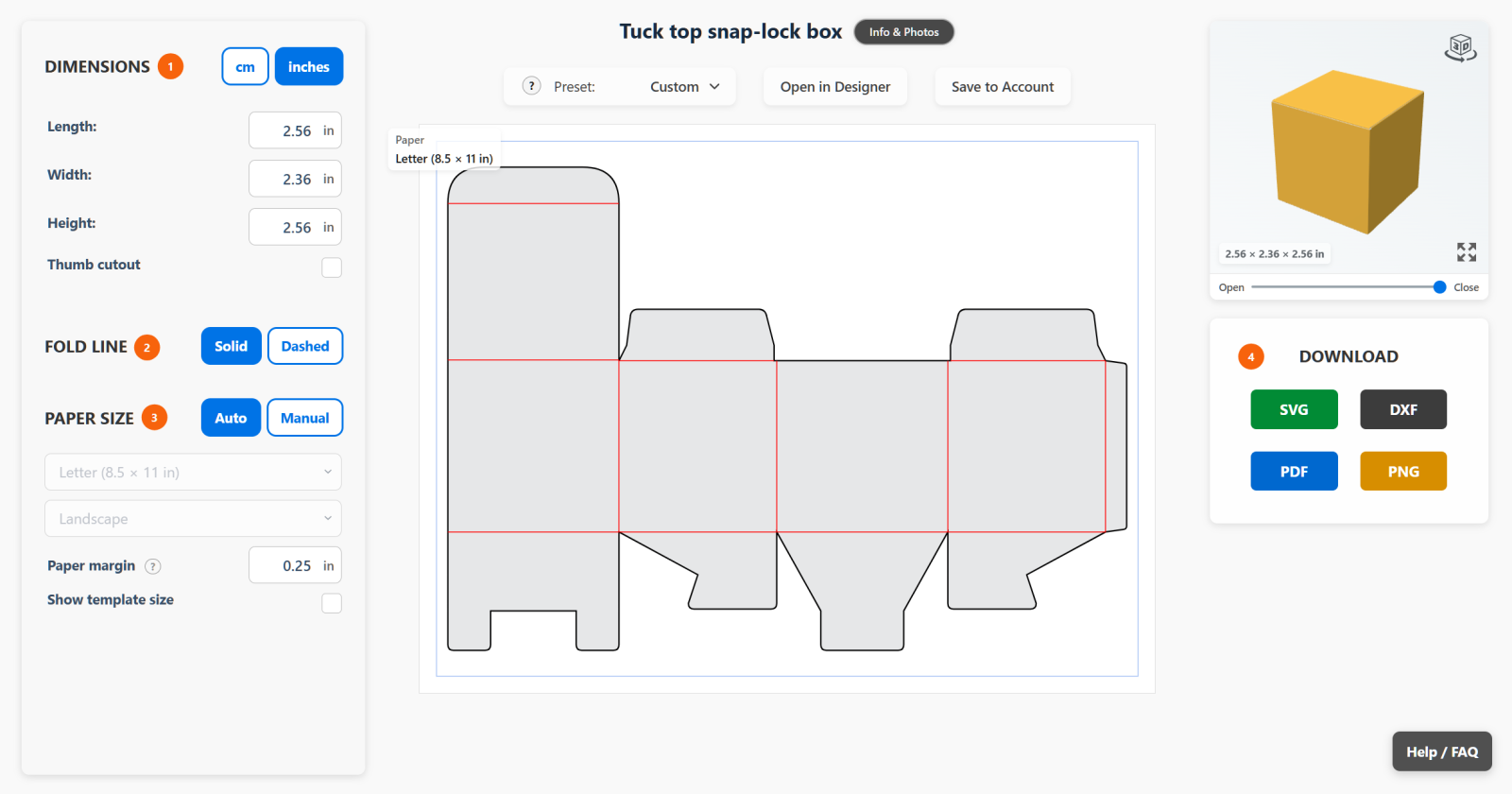
Choose cm or inches, then enter your box’s Length, Width, and Height. The cutting template and 3D preview update automatically.
3. Choose the fold lines
Choose Solid to score the folds by hand or with a scoring tool. Choose Dashed to have your cutting machine cut small dashes along the fold lines.

4. Keep paper size on Auto
Leave Paper Size set to Auto. The builder automatically selects the smallest paper size that fits your template.
5. Download your template
Choose SVG, DXF, PDF, or PNG under Download, depending on the format you need.