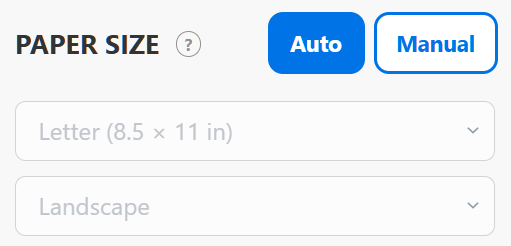
Auto
In Auto mode, the builder automatically selects the smallest paper size and the orientation needed to fit your template.
When you change the box dimensions, the builder updates the paper size and orientation if needed.
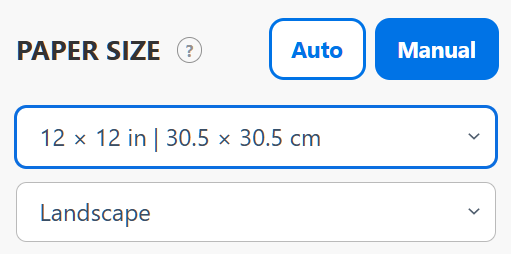
Manual
In Manual mode, you can set the paper size yourself. Open the dropdown and choose a size from the list. You can also set the paper orientation:
- Portrait — vertical.
- Landscape — horizontal.
The paper settings stay the same when you change the box dimensions.
Note: Selecting a small paper size for a large box does not split your template across multiple sheets. If the template is too big for one sheet, you will see a warning.