
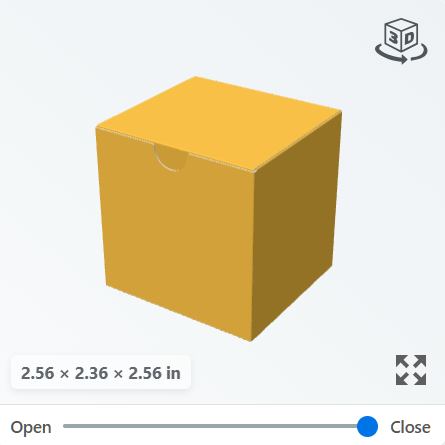
1. Rotate the box
Hold the left mouse button and drag to turn the box.
On a touchscreen, drag with one finger.
2. Move the box
Hold the right mouse button and drag to move the box within the preview.
On a touchscreen, drag with two fingers.
3. Zoom in and out
Move the pointer over the preview and scroll the mouse wheel to zoom in or out.
On a touchscreen, spread two fingers apart to zoom in, or pinch them together to zoom out.
4. Fold and unfold the box
Move the slider towards Open to unfold the box into a flat template. Move it towards Close to fold it into a box.
5. Enlarge the preview
Click the Expand icon in the bottom-right corner of the preview to open a larger view.