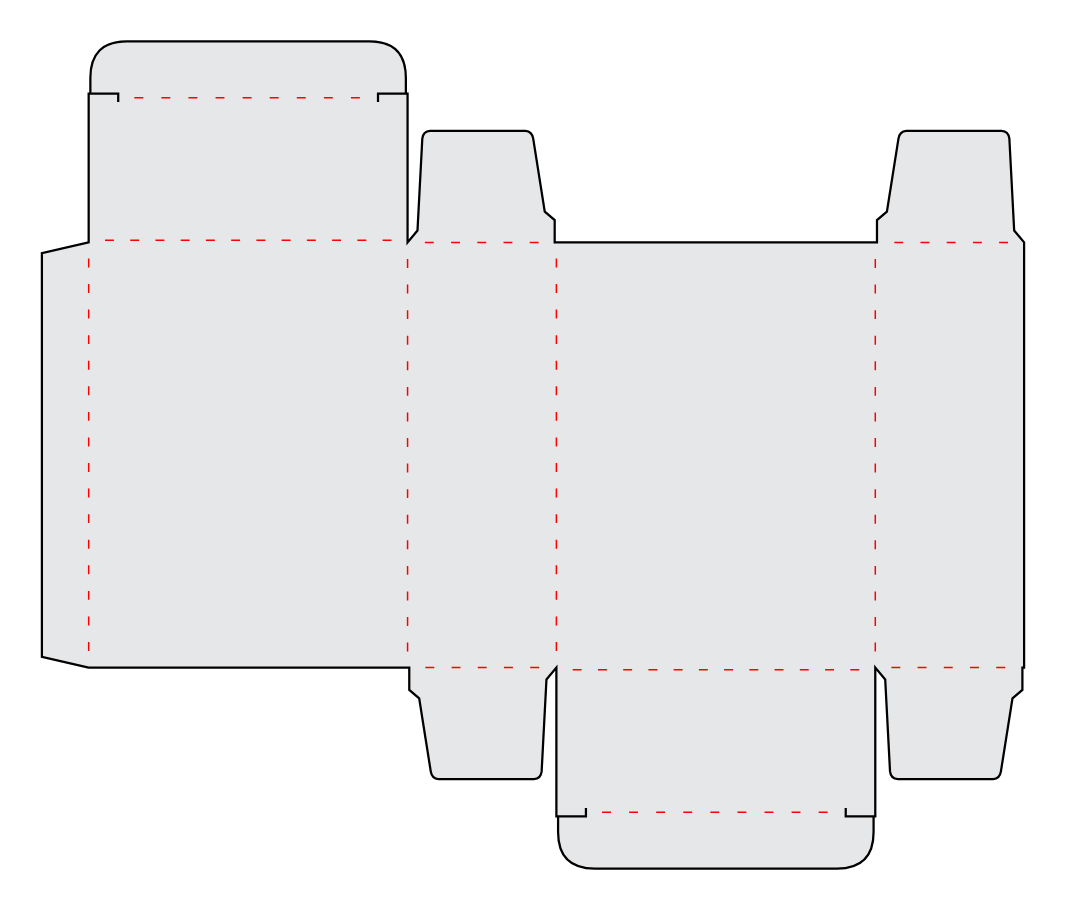
Both styles mark where to fold. Choose one based on how you will cut and score your template.

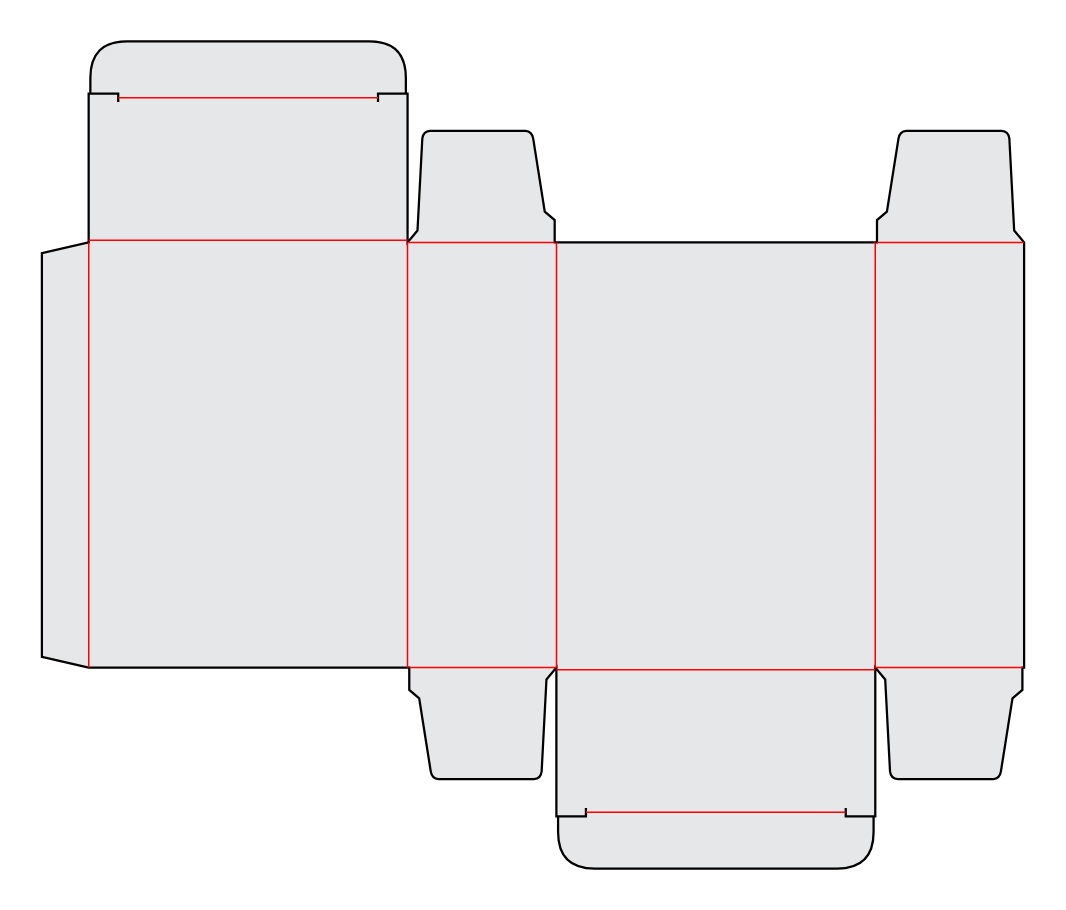
Solid
Choose Solid if you cut by hand or use a cutting machine with a scoring tool, such as the Cricut Maker.
The tool presses a line into the material without cutting through it. This is called scoring or creasing.
Note: Some machines, like Silhouette or Sizzix, don’t have a separate scoring tool but offer a “kiss cut” option for scoring. You can use Solid lines with this option too.
Dashed
Choose Dashed if you want your machine to cut the fold lines with its regular blade. It makes small cuts with gaps between them, so you do not need a scoring tool.
This is a useful choice for machines such as Silhouette and ScanNCut, and for laser cutters.